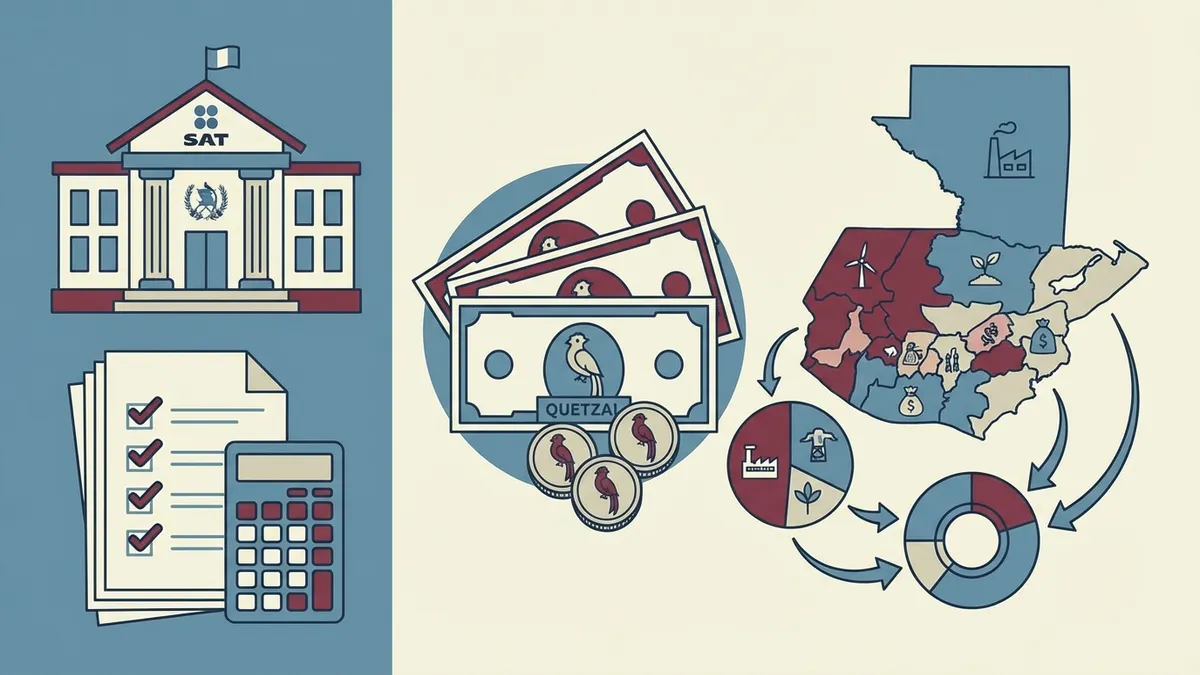
Central America tax calculators: how to choose the right tool
Taxes get confusing when countries, regimes, and obligation types are mixed. This route separates each case so readers can find the right calculator before discussing filing, withholdings, or large purchases.
This guide connects 9 calculators that already exist in CalcuFast. The goal is for the blog to be more than reading material: every block points to a concrete tool where readers can test real numbers, compare scenarios, and return with a clearer decision.
When to use this route
- Estimate income tax before accepting a raise or comparing an offer.
- Calculate VAT, property tax, or withholdings with your own data.
- Plan invoicing as a small taxpayer.
- Review tariffs or import costs before buying.
Calculators included
| Calculator | What it helps with |
|---|---|
| Guatemala Income Tax (ISR) Calculator | Use it to run this calculation with your own inputs and compare scenarios before deciding. |
| Honduras Income Tax (ISR) Calculator | Use it to run this calculation with your own inputs and compare scenarios before deciding. |
| El Salvador Income Tax (ISR) Calculator | Use it to run this calculation with your own inputs and compare scenarios before deciding. |
| Costa Rica Income Tax (ISR) Calculator | Use it to run this calculation with your own inputs and compare scenarios before deciding. |
| Guatemala VAT Calculator 12% - Add or Remove IVA | Use it to run this calculation with your own inputs and compare scenarios before deciding. |
| IUSI Guatemala Calculator | Use it to run this calculation with your own inputs and compare scenarios before deciding. |
| Guatemala Small Taxpayer Calculator | Use it to run this calculation with your own inputs and compare scenarios before deciding. |
| Guatemala ISR and VAT Withholding Calculator | Use it to run this calculation with your own inputs and compare scenarios before deciding. |
| Guatemala Import Duty Calculator | Use it to run this calculation with your own inputs and compare scenarios before deciding. |
How to turn the article into action
- Choose the country and tax type.
- Enter the gross amount or tax base.
- Test a conservative scenario with lower income or higher costs.
- Save the result and verify current rules if you will file.
Practical example
A freelancer invoicing Q12,000 per month can review small taxpayer planning, withholdings, and VAT in one session. That map avoids confusing sales tax with real profit.
Common mistakes
- Using a generic formula when a specific calculator exists.
- Comparing results without writing down the assumptions.
- Treating the first result as final without testing a second scenario.
- Forgetting that calculators are estimates and do not replace professional advice when needed.
Related routes
You can also explore these full sections inside CalcuFast:
FAQ
Do these calculators replace an accountant?
No. They are educational tools for estimates and planning.
Why separate income tax by country?
Because each country applies different rules, brackets, and deductions.
When should I verify with an official source?
When the result affects a filing, invoice, contract, or important purchase.
Next step
Start with the calculator for the correct country, then connect the result with salary, pricing, or budgeting.